
Skip to content
  • Home
  • Software
  • Wi-Fi
  • Videos
  • About US
  • Contact Us
  • Downloads

tenda routerĀ ip

Tenda Router Login and Setup First Time
April 10, 2024May 27, 2017 by admin
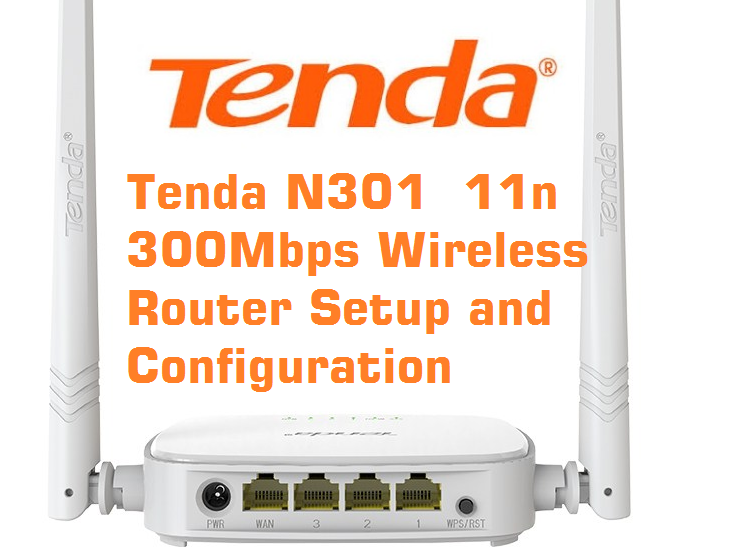
Tenda N301 Wireless Router Configuration

This post contains an easy user guide forĀ Tenda N301 Wireless Router Configuration for Different internet types such as PPPoE mode, Static Mode, and DHCP mode. follow the steps to set up your Tenda 300Mbps wifi router proper configurations. Tenda N301 Wireless Router Configuration and setup First time Tenda Technology is the leading supplier of networking … Read more

Categories Tenda Tags 192.168 0.101 tenda login admin, how to resetĀ tenda router, tenda n300 login, tenda routerĀ ip, tenda router loginĀ password forgot, tendaĀ wifi, tendaĀ wifiĀ router, tendawifi.com login

How to Configure Brovis Wireless Device Access Point Mode Configuration

August 8, 2021August 7, 2016 by admin
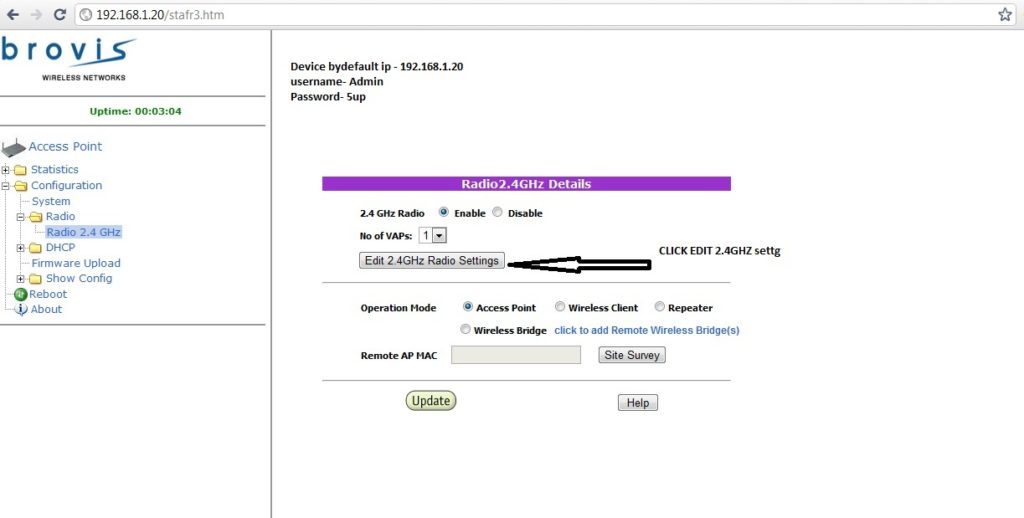
Brovis AC-130 Device Configuration

Step: 1Ā  Brovis AC-130 Device Configuration To Brovis AC-130 Device Configuration utility, open a web browser such as Internet Explorer and enter the IP address of the Device (Default is -192.168.1.20). Default Brovis AC-100-BG-HP ,AC-130-BG-HP Username – admin Default Brovis AC-100-BG-HP ,AC-130-BG-HP password – 5up   How to Connect Any Wi-Fi without Password from Mobile? … Read more

Categories Brovis Tags binatoneĀ router, brovis wireless networks, nokia router login, tenda routerĀ ip, tenda routerĀ setup

Recent Posts

  • How To Reset Spectrum Cable Box?
  • How To Make Google Docs Dark Mode in iPhone, Android and PC
  • How to Factory Reset Airtel 4G Hotspot router if forgot password
  • Why Dependable WiFi at Major Events Is More Challenging Than You Think
  • What Channel is ABC on DirecTV?

Archives

Recent Posts

  • How To Reset Spectrum Cable Box?
  • How To Make Google Docs Dark Mode in iPhone, Android and PC
  • How to Factory Reset Airtel 4G Hotspot router if forgot password
  • Home
  • Privacy Policy
  • Terms and Conditions
  • Disclaimers
  • Contact Us
© 2026 • Built with GeneratePress